

6 Tips for Safeguarding Your Laptop in Your Handbag (2023)
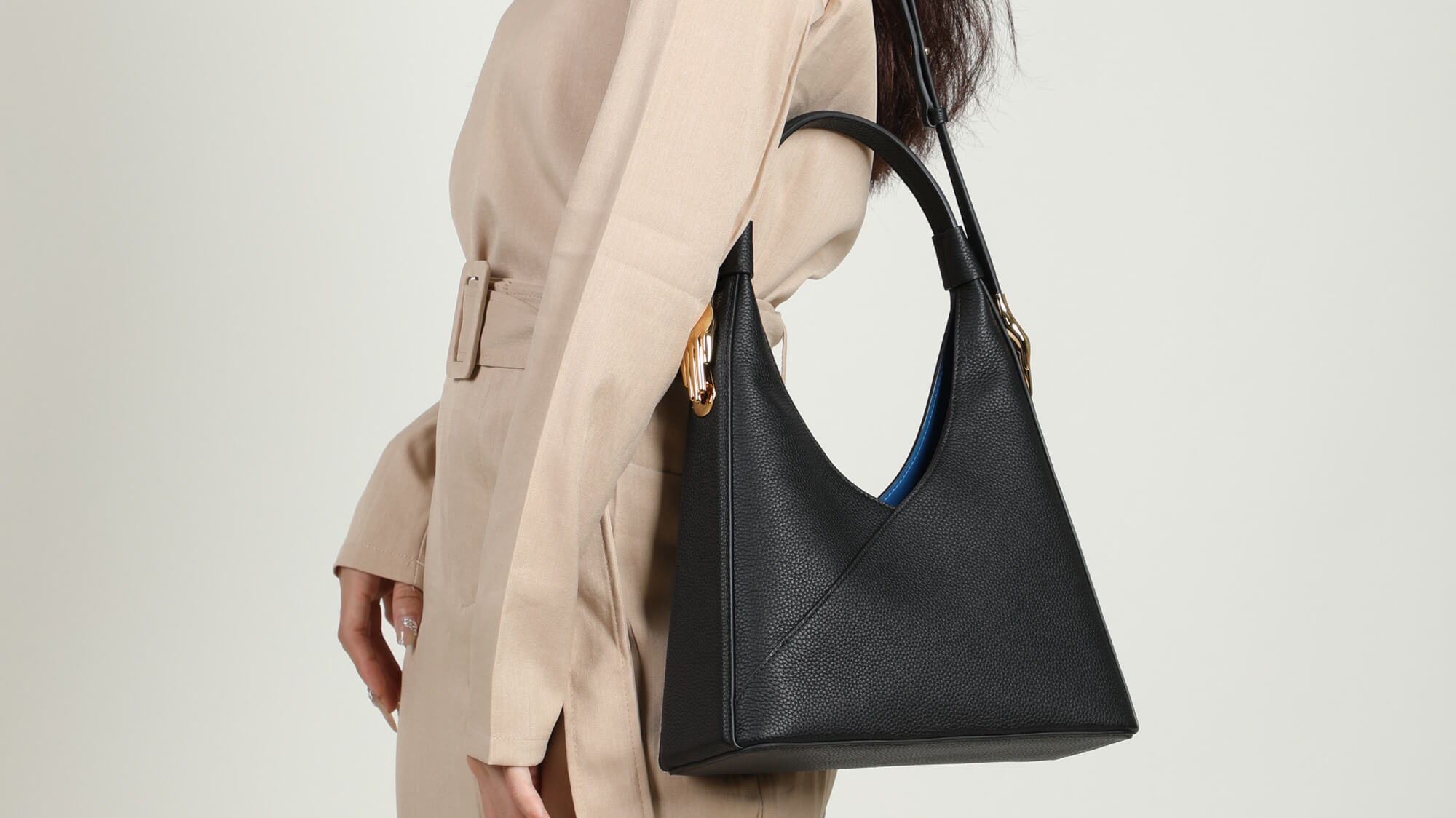
In today's fast-paced world, the necessity of transporting laptops between home, office, and various meeting venues is commonplace. This frequent movement, however, introduces risks to your precious device, particularly when it's carried in a handbag. Contrary to the restrictive advice of avoiding food or sudden movements, practical and feasible measures can significantly reduce the risk of damaging your laptop. Here's a comprehensive guide to ensure your laptop remains safe and sound in your handbag.
1. Opt for a Handbag with a Dedicated Laptop Compartment

A handbag with a structured compartment designed for laptops is crucial. An ideal compartment should snugly fit your laptop, preventing it from shifting and potentially suffering damage. Avoid oversized or overly relaxed bags; these can lead to your laptop jostling around, increasing the risk of falls and impacts.
2. Invest in Additional Cushioning
Extra padding is a laptop's best friend. Consider a laptop sleeve or additional padding in the laptop compartment of your bag. This not only adds a layer of protection against bumps and knocks but also safeguards the laptop's surface from scratches.
3. Separate Electronics from Sharp Objects
It's essential to keep sharp or small objects like pens, keys, or makeup away from your laptop. These items can easily scratch or damage your laptop or tablet screens. This is particularly important for devices with exposed screens, like iPads, which are vulnerable to screen damage.
4. Water Bottle Safety: Keep it Empty or Upright
The peril of water damage is real when carrying a bottle in the same bag as your laptop. Ensure your water bottle is either empty or securely upright. Many modern handbags come with specialized compartments or bottle holders to mitigate this risk, effectively preventing spills.
5. Double-Wrap Your Food
Bringing food along? Ensure it's in a leak-proof container and wrapped in an additional layer of protection. Keep your food separate from your electronics to avoid any unfortunate spills that could damage your laptop.
6. Secure Your Charger
Chargers, often overlooked, can also be a source of damage. Disconnect and neatly wrap your charger, storing it in a separate compartment if possible. This not only prevents physical damage to the charger but also avoids any potential entanglement with other items in your handbag.
 Author: Seuruyalvi - Chief Designer
My name is Seuruyalvi, as the chief designer at ZORNNA, I am responsible for overseeing the creative direction of the brand, from conceptualization to final product design.
Blog posts

Leather Tote vs Crossbody vs Satchel: Which Style Should You Buy?
Walk into any leather bag shop and you will see the same three silhouettes staring back at you: the open-mouthed tote, the hands-free crossbody, and the structured satchel. They all look beautiful,...
Read more
How to Store Leather Handbags So They Last for Years
Here's a pattern we see all the time. Someone buys a beautiful leather handbag, uses it carefully for a season, then swaps it out for summer and puts it "away." Eight months later she opens the clo...
Read more
How to Clean & Condition a Leather Handbag: 6-Step Guide
You bought a nice leather handbag. Maybe it's the first real one you've owned. And now it sits on your shelf with a faint water stain near the clasp, and you're scared to touch it, because you've h...
Read more
